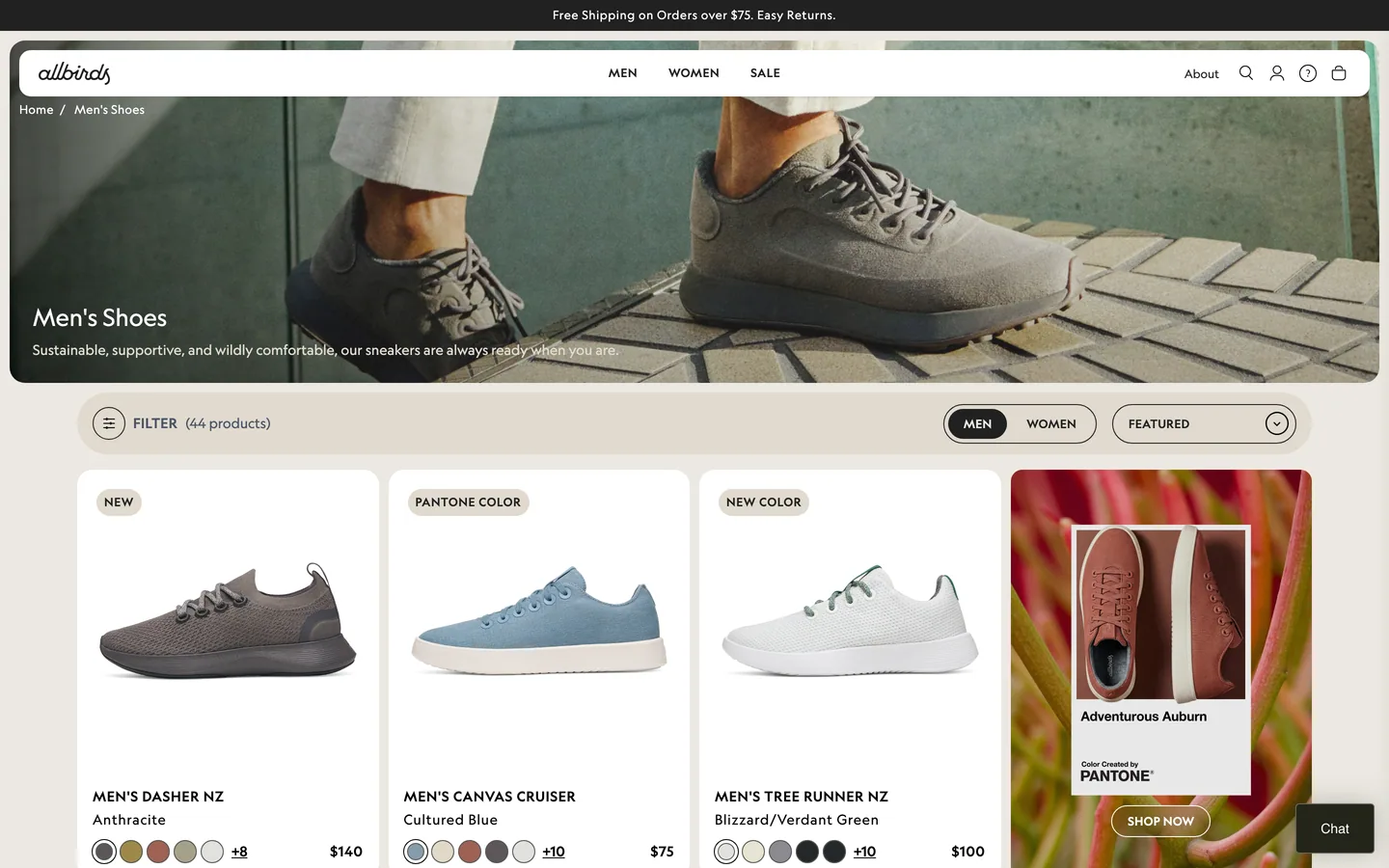
 Allbirds
Category page filters
Category page filters: not present on the category page sampled for Allbirds.
Category page filters — repeatable storefront UI pattern (category-page-filters).
Category decisionOpen
Every UX decision worth a verdict on the category page, each paired with a real store. Use the filters below to narrow further.
Type in the filter below to narrow by decision, store, or stage — it updates as you type. The search box in the header (or press ⌘K) jumps straight to any decision.
A vertical, swipeable run through each verdict, its evidence, and the real-store screenshots — built for quick browsing.
Play the reelApplied filters
AllbirdsCategory page filters: not present on the category page sampled for Allbirds.
Category page filters — repeatable storefront UI pattern (category-page-filters).
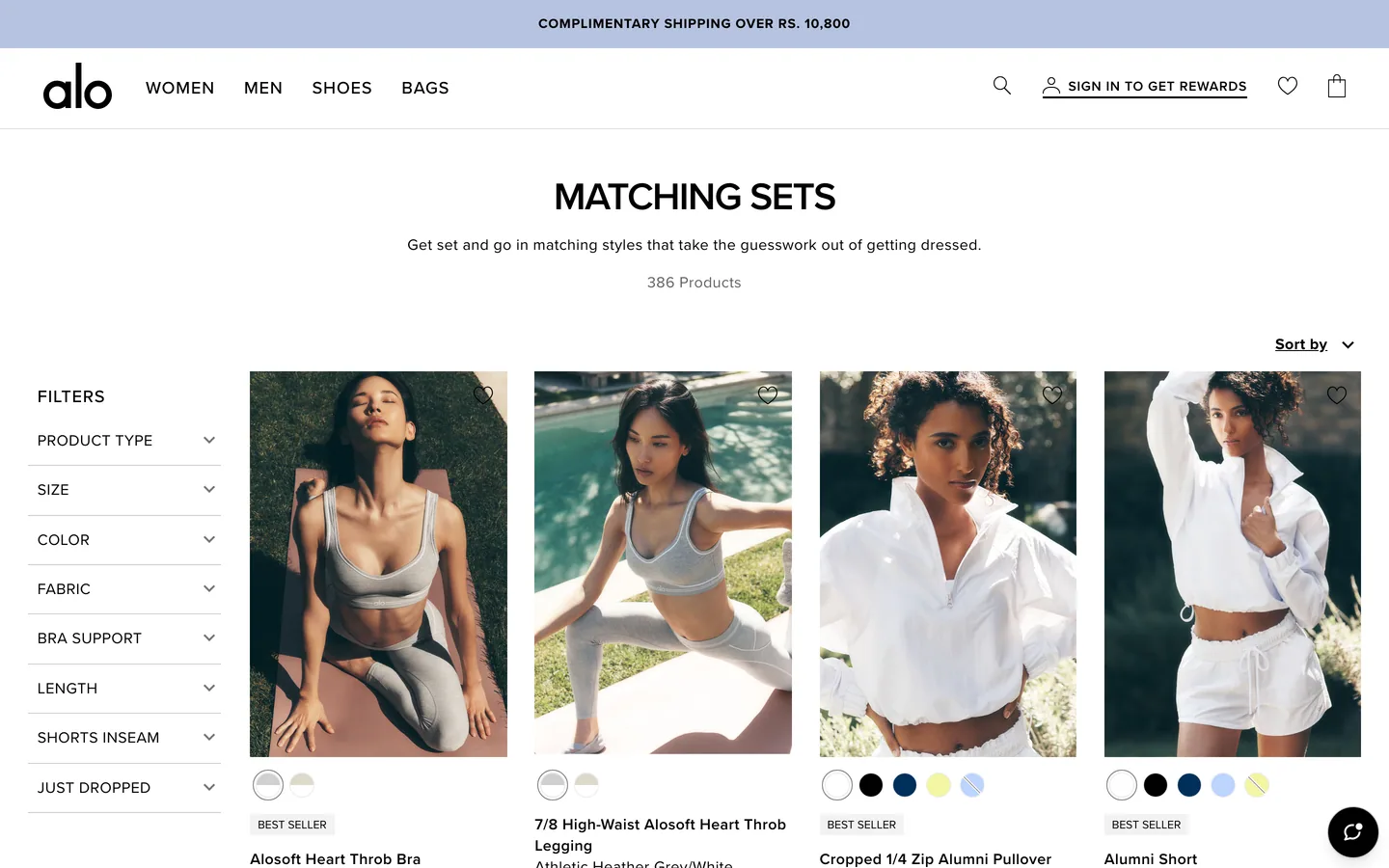 Alo Yoga
Category page filters: not present on the category page sampled for Alo Yoga.
Category page filters — repeatable storefront UI pattern (category-page-filters).
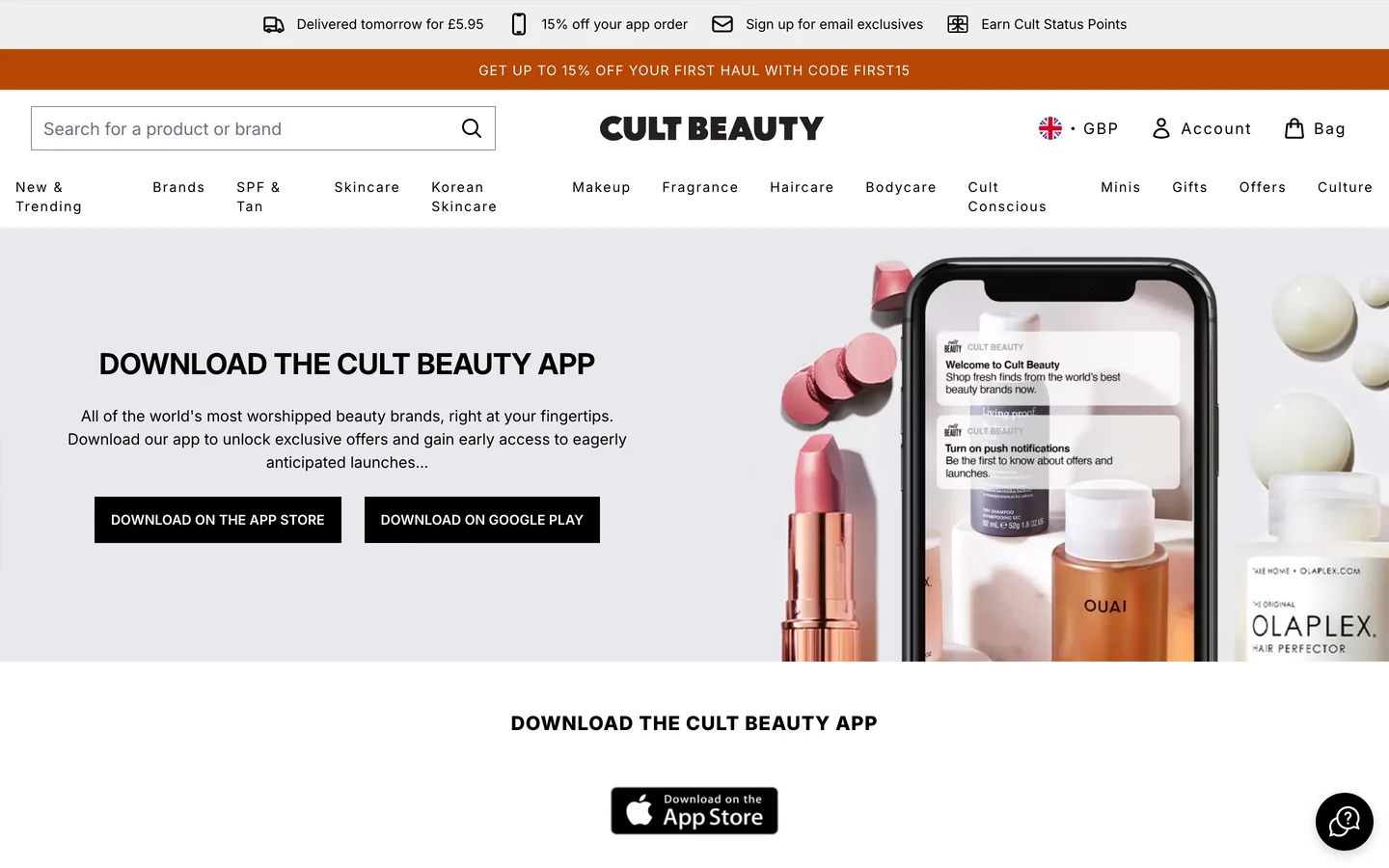 Cult Beauty
Category page filters: not present on the category page sampled for Cult Beauty.
Category page filters — repeatable storefront UI pattern (category-page-filters).
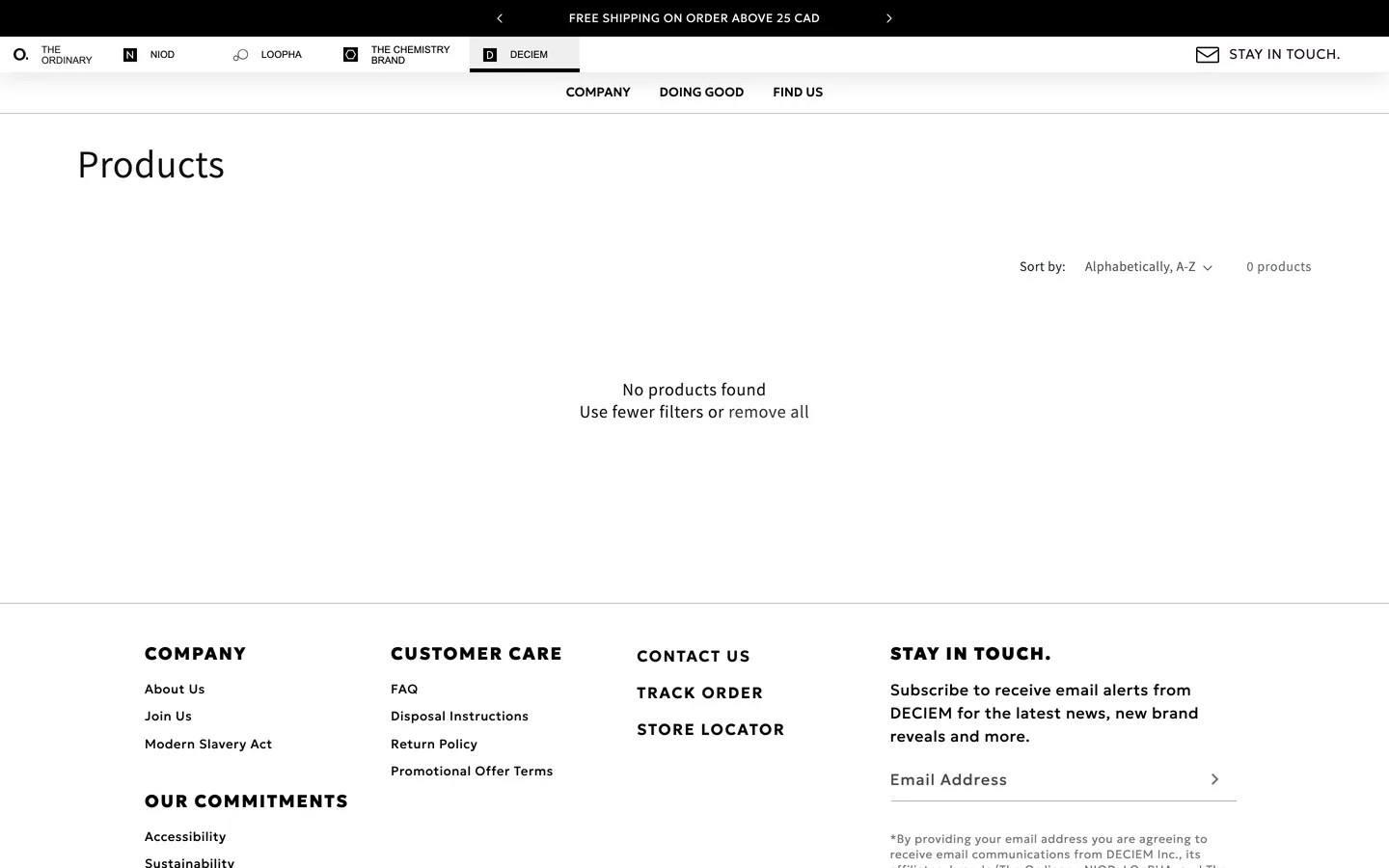 DECIEM
Category page filters: not present on the category page sampled for DECIEM.
Category page filters — repeatable storefront UI pattern (category-page-filters).
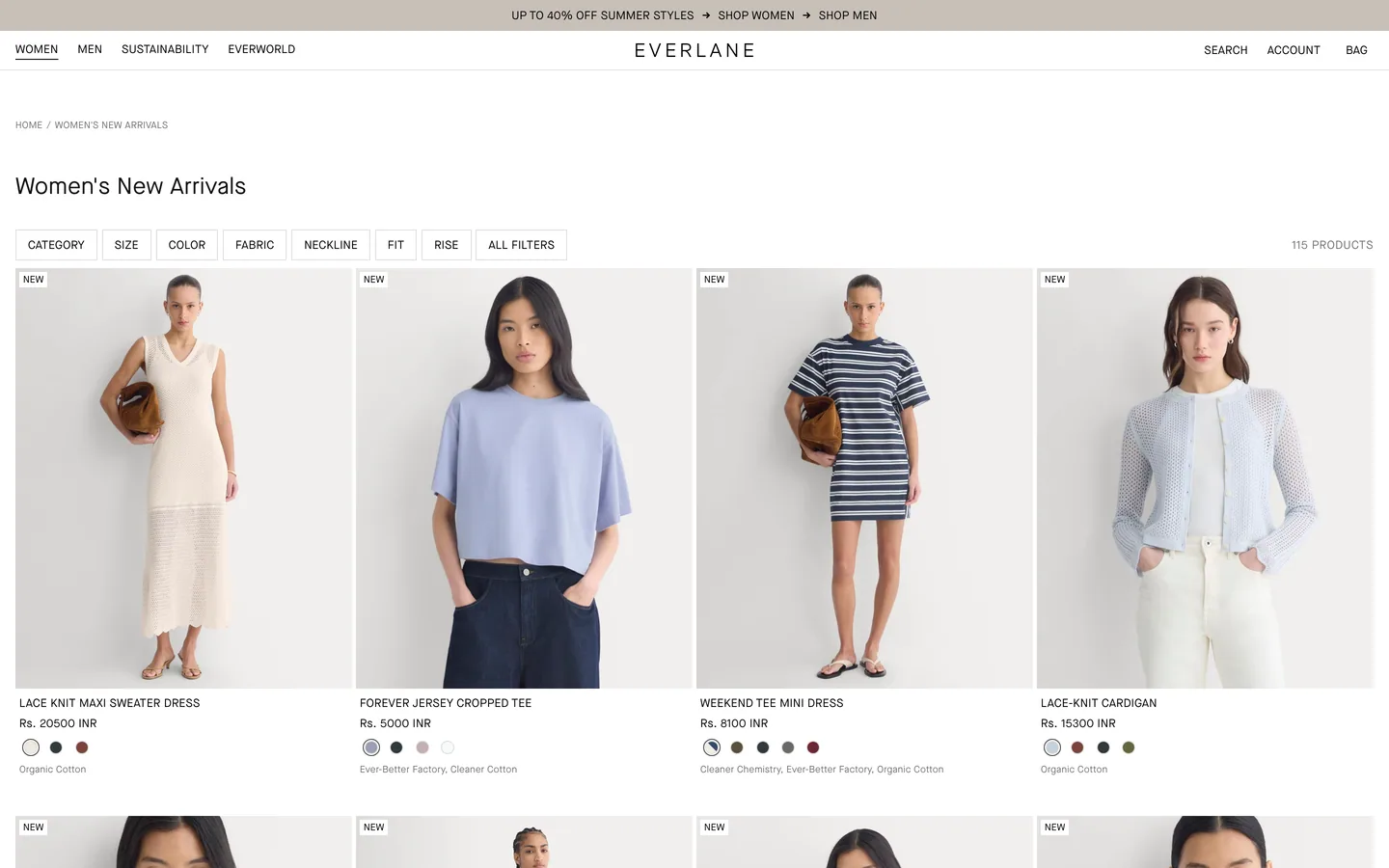 Everlane
Category page filters: not present on the category page sampled for Everlane.
Category page filters — repeatable storefront UI pattern (category-page-filters).
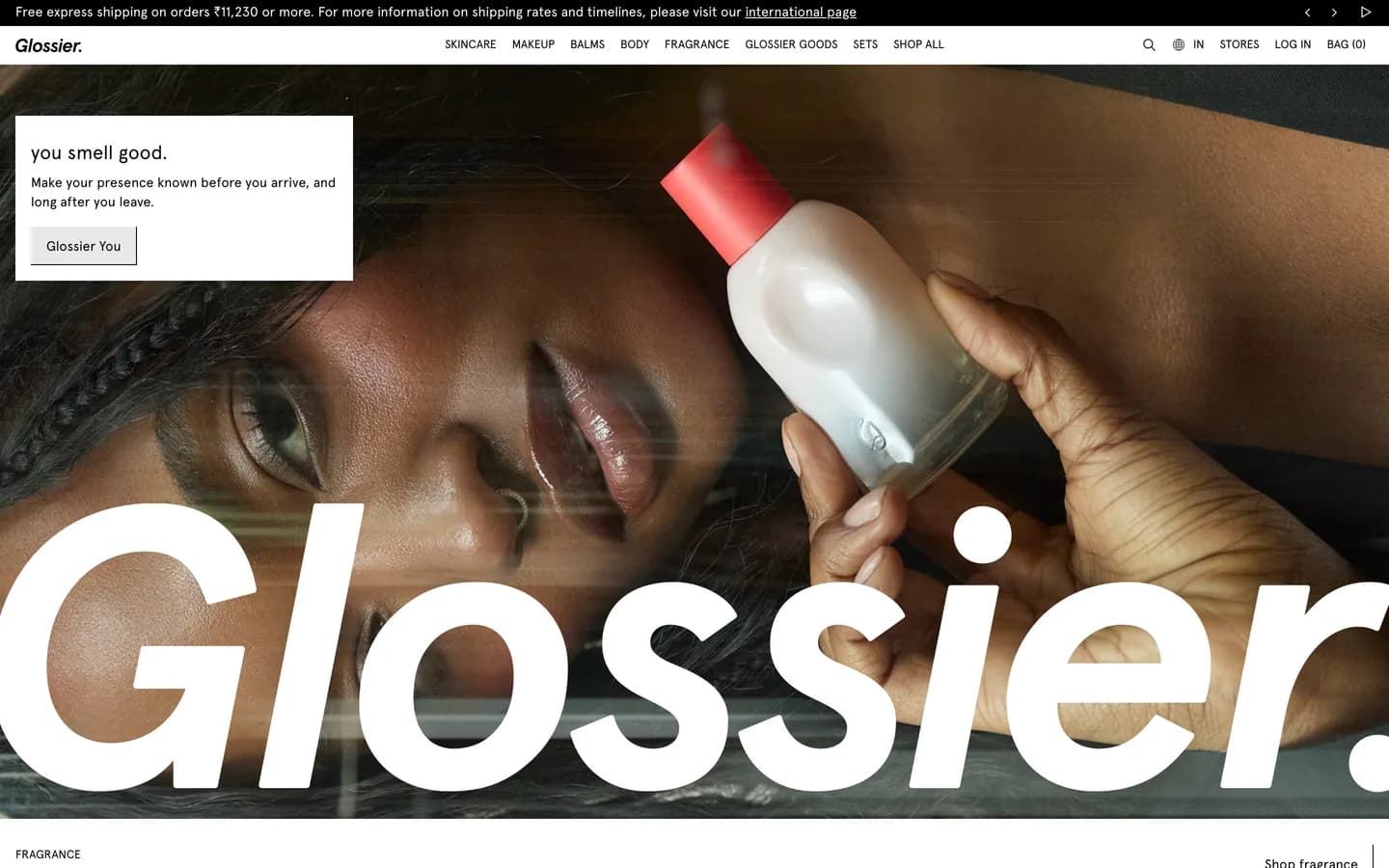 Glossier
Category page filters: not present on the category page sampled for Glossier.
Category page filters — repeatable storefront UI pattern (category-page-filters).
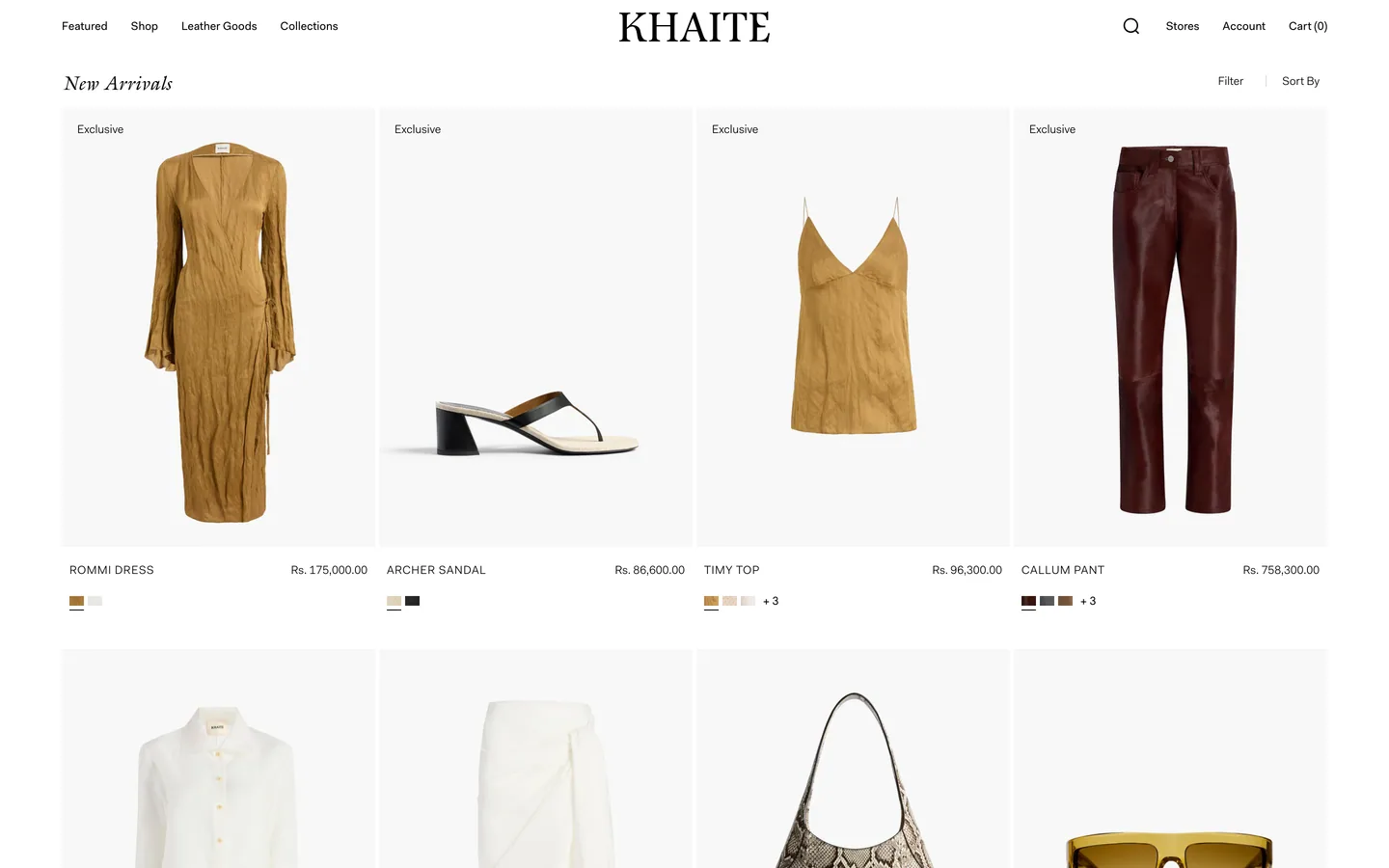 Khaite
Category page filters: not present on the category page sampled for Khaite.
Category page filters — repeatable storefront UI pattern (category-page-filters).
AllbirdsCategory page product card: not present on the category page sampled for Allbirds.
Category page product card — repeatable storefront UI pattern (category-page-product-card).
Alo YogaCategory page product card: not present on the category page sampled for Alo Yoga.
Category page product card — repeatable storefront UI pattern (category-page-product-card).
Cult BeautyCategory page product card: not present on the category page sampled for Cult Beauty.
Category page product card — repeatable storefront UI pattern (category-page-product-card).
DECIEMCategory page product card: not present on the category page sampled for DECIEM.
Category page product card — repeatable storefront UI pattern (category-page-product-card).
EverlaneCategory page product card: not present on the category page sampled for Everlane.
Category page product card — repeatable storefront UI pattern (category-page-product-card).
GlossierCategory page product card: not present on the category page sampled for Glossier.
Category page product card — repeatable storefront UI pattern (category-page-product-card).
KhaiteCategory page product card: not present on the category page sampled for Khaite.
Category page product card — repeatable storefront UI pattern (category-page-product-card).
AllbirdsCategory page quick add: not present on the category page sampled for Allbirds.
Category page quick add — repeatable storefront UI pattern (category-page-quick-add).
Alo YogaCategory page quick add: not present on the category page sampled for Alo Yoga.
Category page quick add — repeatable storefront UI pattern (category-page-quick-add).
Cult BeautyCategory page quick add: not present on the category page sampled for Cult Beauty.
Category page quick add — repeatable storefront UI pattern (category-page-quick-add).
DECIEMCategory page quick add: not present on the category page sampled for DECIEM.
Category page quick add — repeatable storefront UI pattern (category-page-quick-add).
EverlaneCategory page quick add: not present on the category page sampled for Everlane.
Category page quick add — repeatable storefront UI pattern (category-page-quick-add).
GlossierCategory page quick add: not present on the category page sampled for Glossier.
Category page quick add — repeatable storefront UI pattern (category-page-quick-add).
KhaiteCategory page quick add: not present on the category page sampled for Khaite.
Category page quick add — repeatable storefront UI pattern (category-page-quick-add).
AllbirdsCategory page sort bar: not present on the category page sampled for Allbirds.
Category page sort bar — repeatable storefront UI pattern (category-page-sort-bar).
Alo YogaCategory page sort bar: not present on the category page sampled for Alo Yoga.
Category page sort bar — repeatable storefront UI pattern (category-page-sort-bar).
Cult BeautyCategory page sort bar: not present on the category page sampled for Cult Beauty.
Category page sort bar — repeatable storefront UI pattern (category-page-sort-bar).
DECIEMCategory page sort bar: not present on the category page sampled for DECIEM.
Category page sort bar — repeatable storefront UI pattern (category-page-sort-bar).
EverlaneCategory page sort bar: not present on the category page sampled for Everlane.
Category page sort bar — repeatable storefront UI pattern (category-page-sort-bar).
GlossierCategory page sort bar: not present on the category page sampled for Glossier.
Category page sort bar — repeatable storefront UI pattern (category-page-sort-bar).
KhaiteCategory page sort bar: not present on the category page sampled for Khaite.
Category page sort bar — repeatable storefront UI pattern (category-page-sort-bar).
AllbirdsKids age filter: not present on the category page sampled for Allbirds.
Kids age filter — repeatable storefront UI pattern (kids-age-filter).
Alo YogaKids age filter: not present on the category page sampled for Alo Yoga.
Kids age filter — repeatable storefront UI pattern (kids-age-filter).
Cult BeautyKids age filter: not present on the category page sampled for Cult Beauty.
Kids age filter — repeatable storefront UI pattern (kids-age-filter).
DECIEMKids age filter: not present on the category page sampled for DECIEM.
Kids age filter — repeatable storefront UI pattern (kids-age-filter).
EverlaneKids age filter: not present on the category page sampled for Everlane.
Kids age filter — repeatable storefront UI pattern (kids-age-filter).
GlossierKids age filter: not present on the category page sampled for Glossier.
Kids age filter — repeatable storefront UI pattern (kids-age-filter).
KhaiteKids age filter: not present on the category page sampled for Khaite.
Kids age filter — repeatable storefront UI pattern (kids-age-filter).
AllbirdsPet breed filter: not present on the category page sampled for Allbirds.
Pet breed filter — repeatable storefront UI pattern (pet-breed-filter).
Alo YogaPet breed filter: not present on the category page sampled for Alo Yoga.
Pet breed filter — repeatable storefront UI pattern (pet-breed-filter).
Cult BeautyPet breed filter: not present on the category page sampled for Cult Beauty.
Pet breed filter — repeatable storefront UI pattern (pet-breed-filter).
DECIEMPet breed filter: not present on the category page sampled for DECIEM.
Pet breed filter — repeatable storefront UI pattern (pet-breed-filter).
EverlanePet breed filter: not present on the category page sampled for Everlane.
Pet breed filter — repeatable storefront UI pattern (pet-breed-filter).
GlossierPet breed filter: not present on the category page sampled for Glossier.
Pet breed filter — repeatable storefront UI pattern (pet-breed-filter).
KhaitePet breed filter: not present on the category page sampled for Khaite.
Pet breed filter — repeatable storefront UI pattern (pet-breed-filter).
AllbirdsSize chart — kids: not present on the category page sampled for Allbirds.
Size chart — kids — repeatable storefront UI pattern (size-chart-kids).
Alo YogaSize chart — kids: not present on the category page sampled for Alo Yoga.
Size chart — kids — repeatable storefront UI pattern (size-chart-kids).
Cult BeautySize chart — kids: not present on the category page sampled for Cult Beauty.
Size chart — kids — repeatable storefront UI pattern (size-chart-kids).
DECIEMSize chart — kids: not present on the category page sampled for DECIEM.
Size chart — kids — repeatable storefront UI pattern (size-chart-kids).
EverlaneSize chart — kids: not present on the category page sampled for Everlane.
Size chart — kids — repeatable storefront UI pattern (size-chart-kids).
GlossierSize chart — kids: not present on the category page sampled for Glossier.
Size chart — kids — repeatable storefront UI pattern (size-chart-kids).
KhaiteSize chart — kids: not present on the category page sampled for Khaite.
Size chart — kids — repeatable storefront UI pattern (size-chart-kids).
KhaiteCategory page filters reduce shopper uncertainty and improve experience when visible at the decision moment. Skip them if they duplicate obvious information, add visual noise, or hurt page performance.
Category page filters — repeatable storefront UI pattern (category-page-filters).
KhaiteProduct cards on a category page reliably improve scanning speed and perceived quality when they display a clear image, name, and price without hover interactions, and maintain consistent image aspect ratios, especially for touch devices.
Category page product card — repeatable storefront UI pattern (category-page-product-card).
KhaiteCategory page quick add helps shoppers narrow options when it answers a specific question or reduces uncertainty, and appears at the decision moment. It adds visual noise and can hurt performance if it duplicates information or offers no clear benefit.
Category page quick add — repeatable storefront UI pattern (category-page-quick-add).
KhaiteA category page sort bar reduces shopper uncertainty when it answers a specific question on the category page and is visible at the decision moment. It adds visual weight; skip it if it duplicates obvious information, adds noise without purpose, or degrades page performance.
Category page sort bar — repeatable storefront UI pattern (category-page-sort-bar).
KhaiteA kids age filter improves category page experience when it reduces real shopper uncertainty; otherwise, it adds visual noise and scan cost. Skip it if it duplicates information or lacks a clear purpose.
Kids age filter — repeatable storefront UI pattern (kids-age-filter).
KhaiteA pet breed filter helps when it answers a specific shopper question or reduces uncertainty on the category page and is visible at the decision moment. It harms when it duplicates information, adds visual noise without purpose, or impacts page performance.
Pet breed filter — repeatable storefront UI pattern (pet-breed-filter).
KhaiteImplement 'Size chart — kids' when it directly answers a shopper question or reduces uncertainty on category pages, visible at the decision moment. Otherwise, it adds visual noise, duplicates information, or hurts performance.
Size chart — kids — repeatable storefront UI pattern (size-chart-kids).
 Harrods Beauty
Category page uses brand/routine taxonomy to speed discovery.
Compact filters prioritize common shopper intents over exhaustive facets.